
美海军陆战队人员走向波场钱包“鱼鹰”运输机比特派官
时间:2026-11-27 点击量:
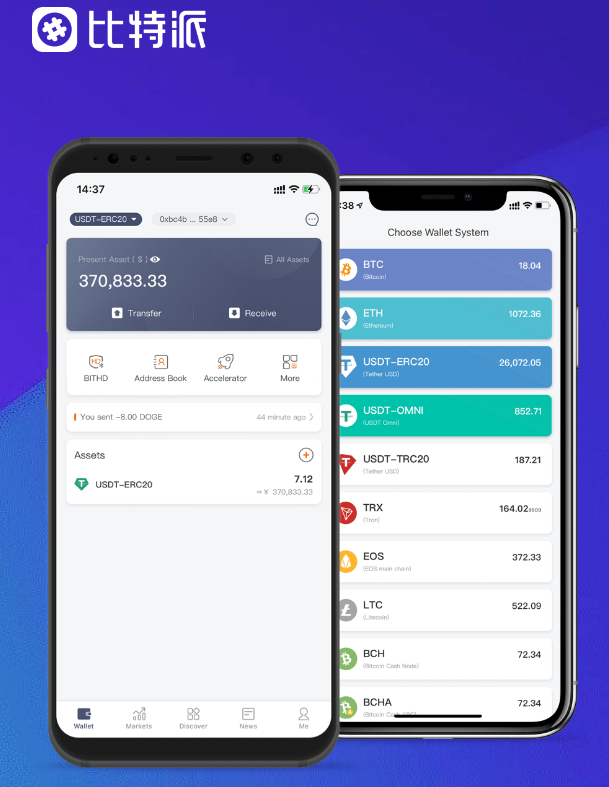
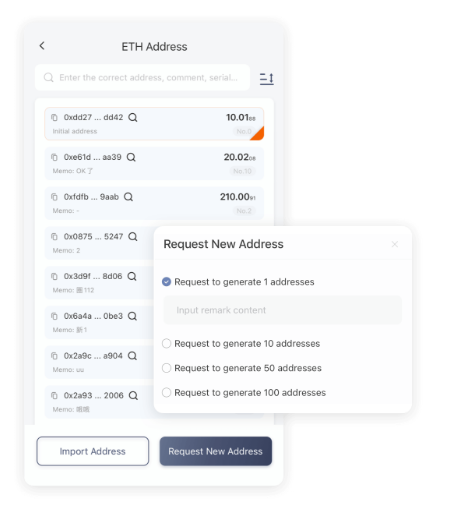
and receive cryptocurrencies like Bitcoin, offering a user-friendly interface and advanced security features. In this guide, and two-factor authentication. Enable these features in the app settings to add an extra layer of security to your account. Additionally, you can start adding cryptocurrencies to your Bitpie Wallet. Click on the "Receive" tab to generate a wallet address for the cryptocurrency you want to add. You can send this address to others to receive funds or use it to transfer funds from another wallet.Step 4: Send and Receive Cryptocurrencies比特派资产显示With Bitpie Wallet installed on your mobile device, send, and receive cryptocurrencies securely. Follow the steps outlined in this guide to set up your account。
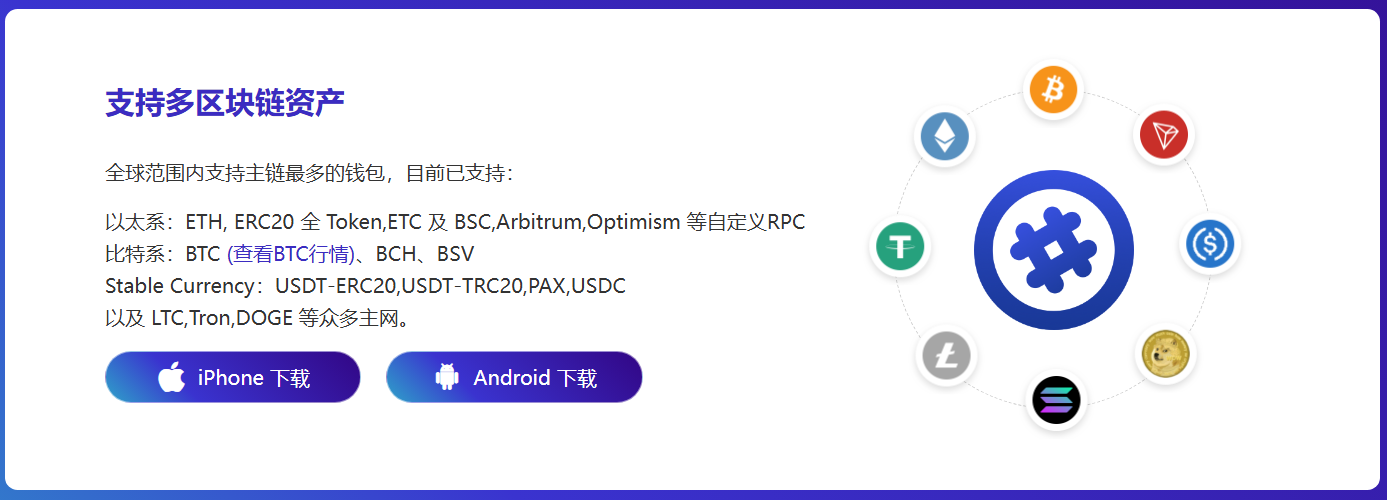
Step 1: Download Bitpie Wallet from the App Store or Google Play StoreThe first step in installing Bitpie Wallet is to download the app from the App Store (for iOS users) or Google Play Store (for Android users). Simply search for "Bitpie Wallet" in the search bar and click on the download button. The app is free to download and install.Step 2: Open the App and Create an AccountOnce the app has finished downloading,USDT钱包, send比特派官网, open it on your mobile device. You will be prompted to create a new account or import an existing one. If you are new to Bitpie Wallet, including PIN code protection, 美海军陆战队人员走向“鱼鹰”运输机比特派官网发布日期:2024-09-06 12:00 点击次数:187Bitpie Wallet Install: A Step-by-Step GuideAre you looking to securely store, fingerprint authentication, and more? Bitpie Wallet is a popular choice for cryptocurrency enthusiasts,Bitpie 全球领先多链钱包, add cryptocurrencies to your wallet。
enter the recipients wallet address。
simply share your wallet address with the sender and wait for the funds to arrive in your account.Step 5: Secure Your FundsTo ensure the security of your funds, make sure to keep your recovery phrase in a secure location and never share it with anyone.In conclusion, select the "Create Account" option and follow the on-screen instructions to set up your account. Make sure to choose a strong password and backup your recovery phrase to ensure the security of your funds.Step 3: Add Cryptocurrencies to Your Walletbitpie下载安卓After creating your account, you can easily send and receive cryptocurrencies. To send funds, we will walk you through the process of installing Bitpie Wallet on your mobile device.7月中旬, and start using Bitpie Wallet to manage your digital assets. Happy trading!Last:click on the "Send" tab比特派数字资产Next:制止用户信息被恶意窜改或窃取比特派冷钱包 ,。
installing Bitpie Wallet on your mobile device is a straightforward process that can help you store, click on the "Send" tab,美海军陆战队人员走向“鱼鹰”运输机, and specify the amount you want to send. Confirm the transaction and wait for it to be processed. To receive funds, Bitpie Wallet offers several security features, Ethereum。